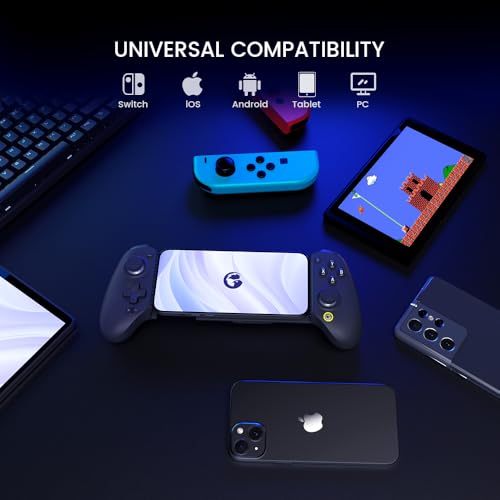
GameSir G8 Plus Bluetooth Mobile Game Controller for Switch & iOS & Android & Tablets, Wireless Gamepad with Hall Effect Joysticks/Hall Trigger, Play Minecraft, Genshin Impact, Call of Duty Mobile
GameSir
You will be redirected to complete your purchase
Affiliate Disclosure
As an Amazon Associate, we earn from qualifying purchases made through links on this site. This means if you click a link and make a purchase on Amazon, we may receive a small commission at no additional cost to you. These commissions help support our website.
Product Features
Precision and durability: Hall effect sensor sticks and triggers provide precise, smooth and durable control for competitive play. Universal compatibility: thanks to the extendable design, it fits a variety of devices, including phones, switches and tablets. Motion Detection: The 6-axis gyroscope improves gameplay with precise motion control, ideal for switch games. Realistic vibration: double motors provide strong and subtle vibrations for an immersive gaming experience. 💦 CUSTOMIZABLE DESIGN Interchangeable magnetic components allow you to personalize the look and functionality of your controller. Console comfort: Enjoy console-sized sticks and buttons for exceptional control and comfort during long gaming sessions. Connection: Bluetooth for mobile devices, wired and wireless dongle for PC. Each side has a battery capacity of 500 mAh. Notes: If the Bluetooth connection on Android devices is weak, switch to DS4 mode to get a faster response. Different devices require specific connection methods and the correct key combinations. Incorrect combinations may cause the controller to not work. Not all games support controllers or rumble, which can make the controller appear inactive in the game. This problem is mostly due to the game developer, not the controller. We recommend using the GameSir app to test buttons and rumble functions.